

Google Plans Overhaul for Gemini Account Switcher and UI
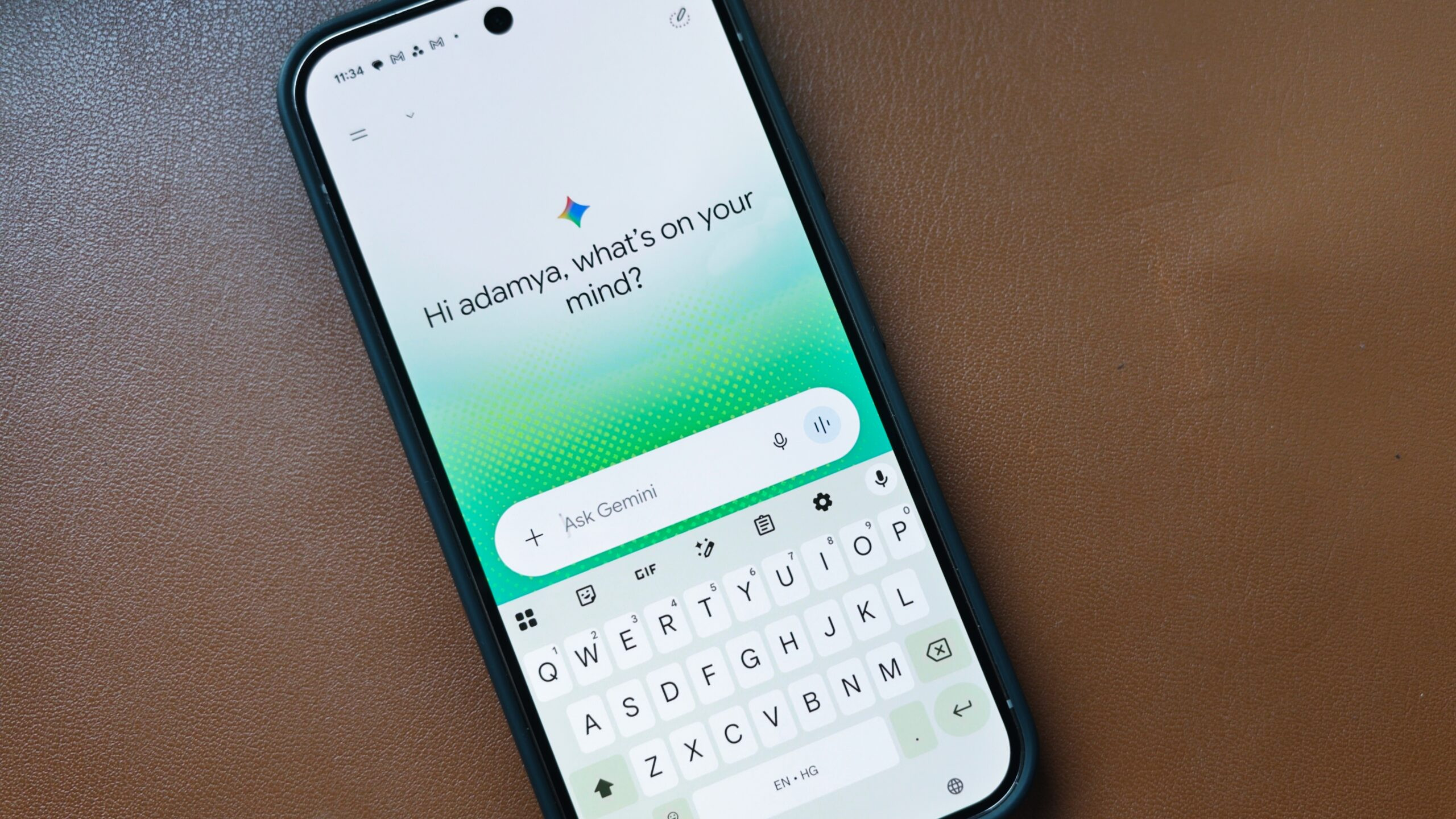
Google is developing a series of user interface changes for the Google app and Gemini designed to declutter the platform's overcrowded account switcher. The updates aim to reorganize settings and refine home screen elements for a cleaner user experience.
What Happened
As Google continues to integrate new features into Gemini, the account switcher has accumulated significant clutter. To address this, an examination of the latest Google app version (v17.58.13) revealed that Google is actively working on streamlining the interface.
Key changes involve shifting Gemini-related settings out of the account switcher entirely. Instead, these configurations will find a new home on the dedicated Gemini Settings page, which is receiving a structural organization overhaul.
Key Details
- The upcoming updates introduce several distinct interface and navigation changes:
- Gemini-related settings are moving from the account switcher to the Gemini Settings page.
- The Gemini Settings page will feature new organizational categories: 'Preferences,' 'Data & Privacy,' and 'Get support'.
- The home screen 'Assign' button has been renamed to 'Task'.
- The input box placeholder text on the Gemini home screen has changed from 'Ask Gemini' to 'Try @ for more'.
Why It Matters
By moving Gemini-specific options out of the crowded account switcher and grouping them into distinct categories like 'Preferences' and 'Data & Privacy,' the update makes navigation more intuitive. Renaming buttons and updating placeholder text also points to a broader effort by Google to refine the day-to-day usability of Gemini.
What We Know So Far
Confirmed facts include the relocation of Gemini settings, the addition of specific settings categories, and the renaming of home screen interface text found in version v17.58.13.
Unconfirmed features currently under development include Google testing a new 'Discover Ideas' option on the Gemini home screen. Additionally, reports suggest Google could move the search bar to the bottom of the screen for easier one-handed use and add new chat icons to the left of each search result, though these remain unconfirmed features spotted during app tinkering.


